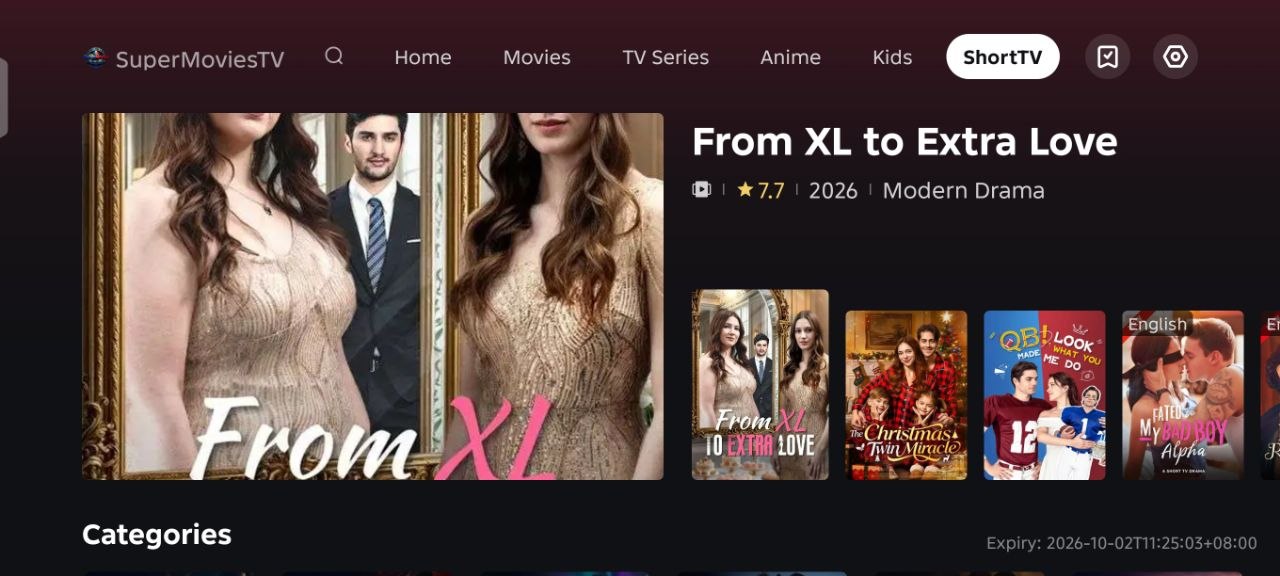
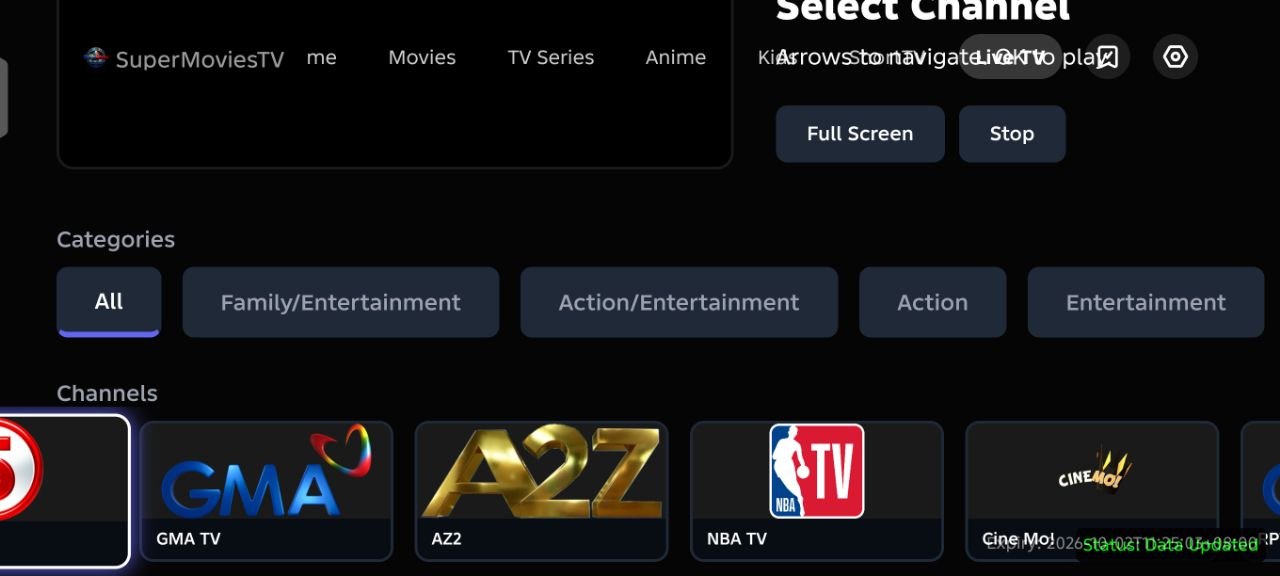
SuperMovies update guide
How to update
Manual download
Open the download page
- Open any browser on your phone.
- Enter this link: https://appstore.cornerstone-its-license-app.click/public/
- Tap the highlighted Download SuperMovies New Version button.
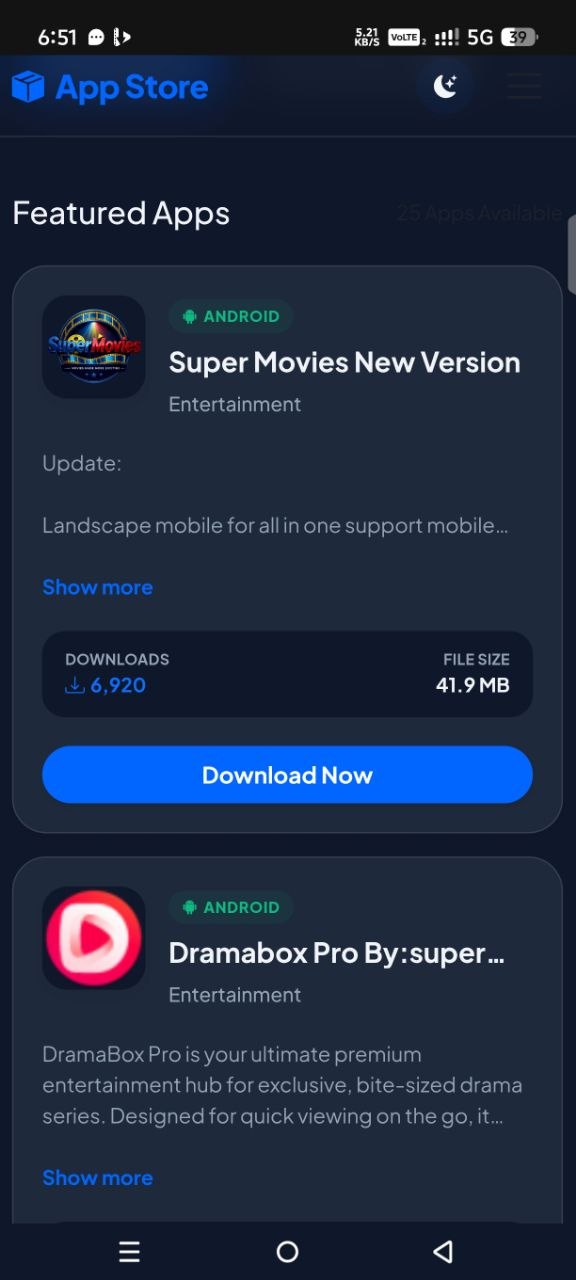
Super Movies New Version
ANDROID · Entertainment
Update: Landscape mobile for all in one support mobile...
Manual download
Find the downloaded APK
- After downloading the SuperMovies New Version, open any file manager on your phone.
- Go to the Downloads folder.
- Look for the SuperMovies New Version APK file.
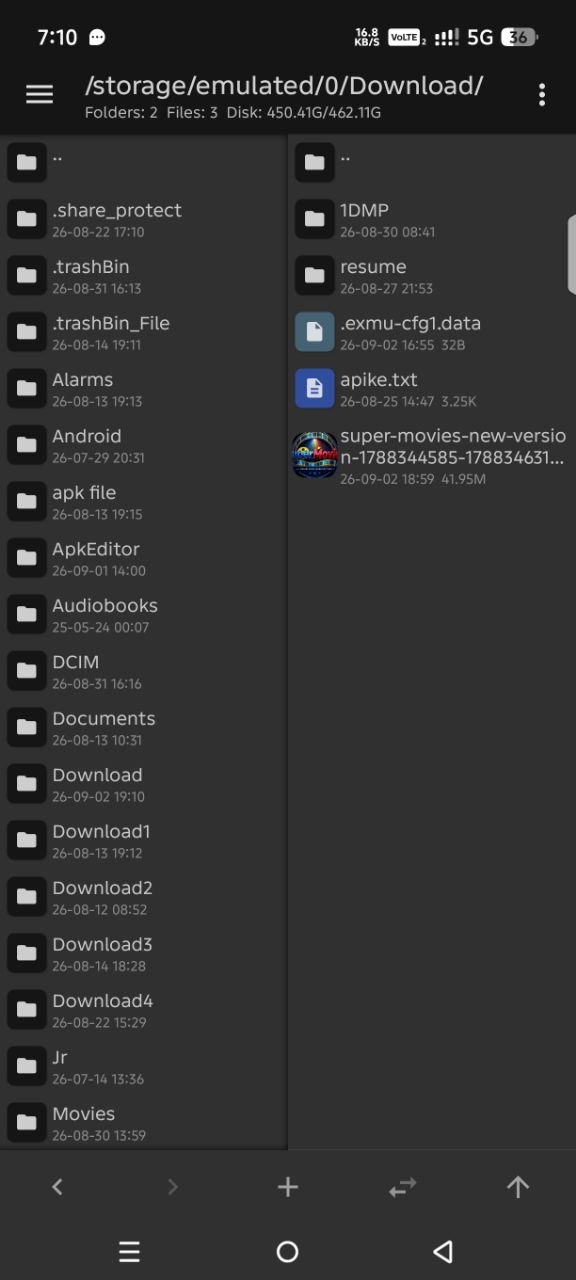
Next: Tap the SuperMovies New Version APK file to continue.
Manual download
Install the APK
- After you tap the APK file, make sure the old SuperMovies app has already been uninstalled.
- When the installation prompt appears, tap Install.
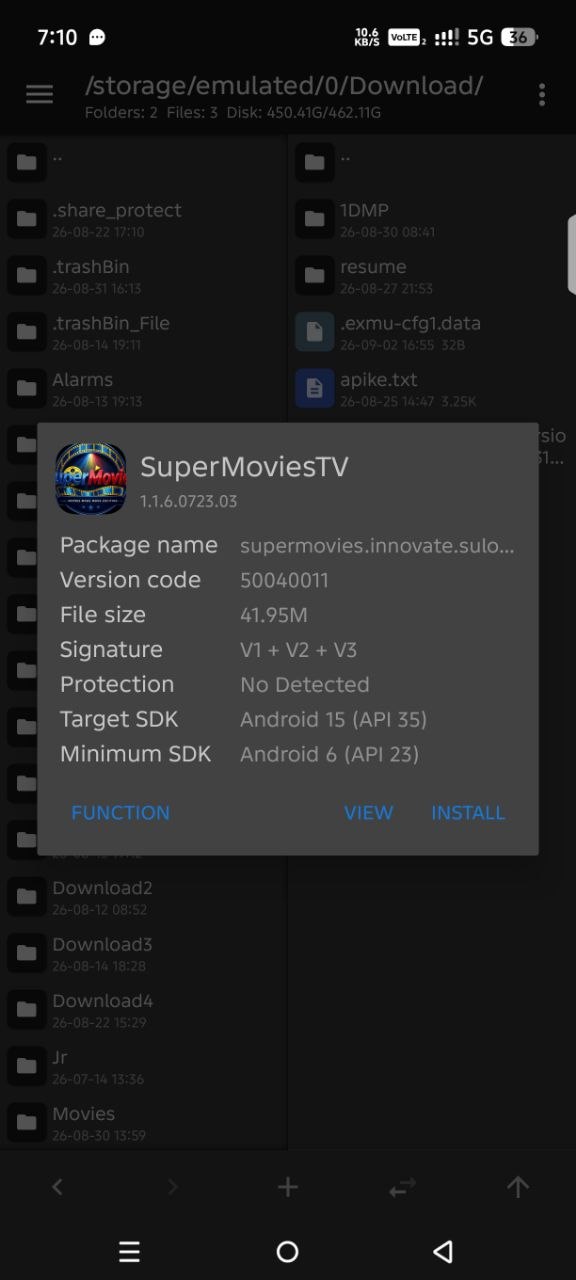
Important: The old SuperMovies app must be uninstalled before you tap Install.
Manual download
Open SuperMovies
After the installation finishes successfully, tap Open to launch SuperMovies.
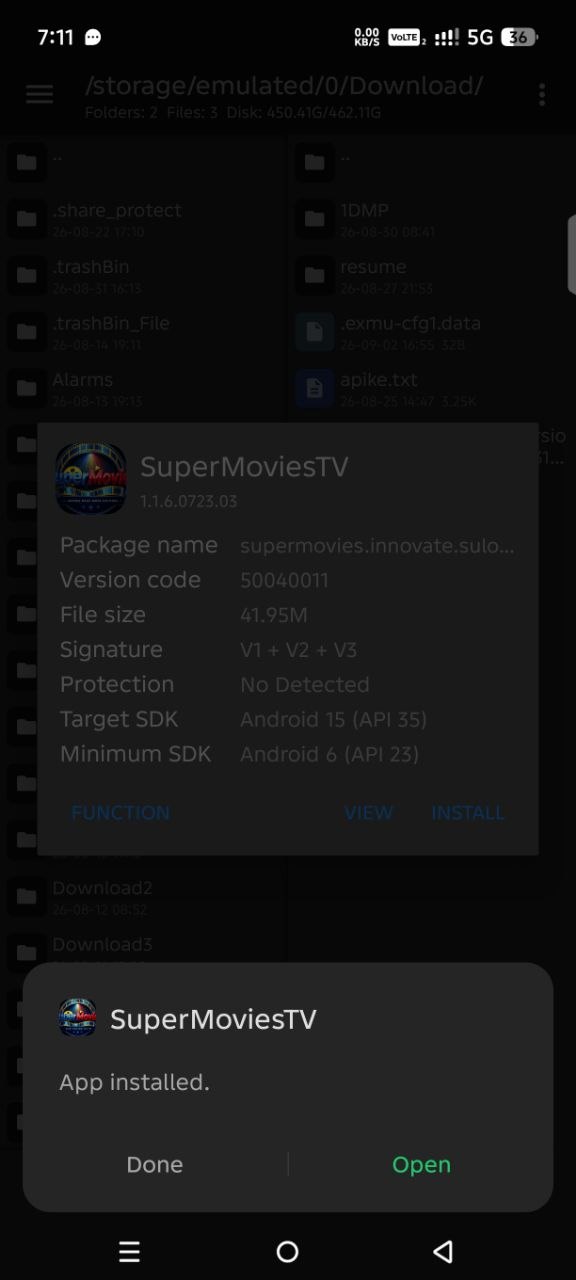
Next: Tap Open to start the newly installed app.
Manual download
Contact your license provider
When the license screen appears, contact your license key provider to request or confirm your license key.
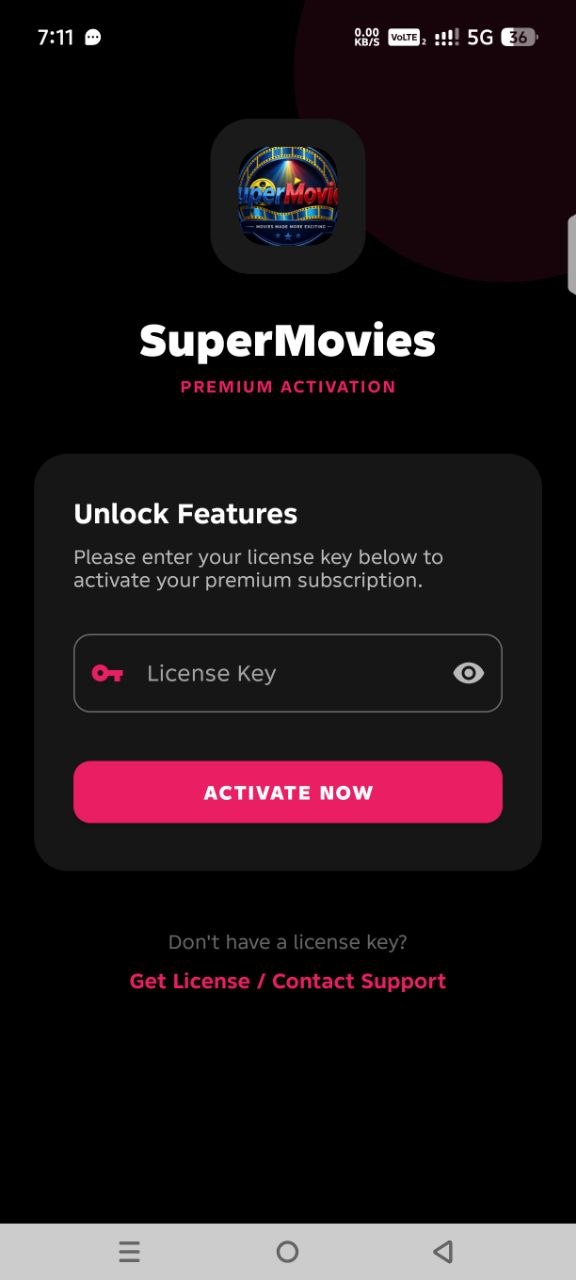
Next: Enter the license key provided to you.
Manual download
Activate your license
- Enter your license key in the license field.
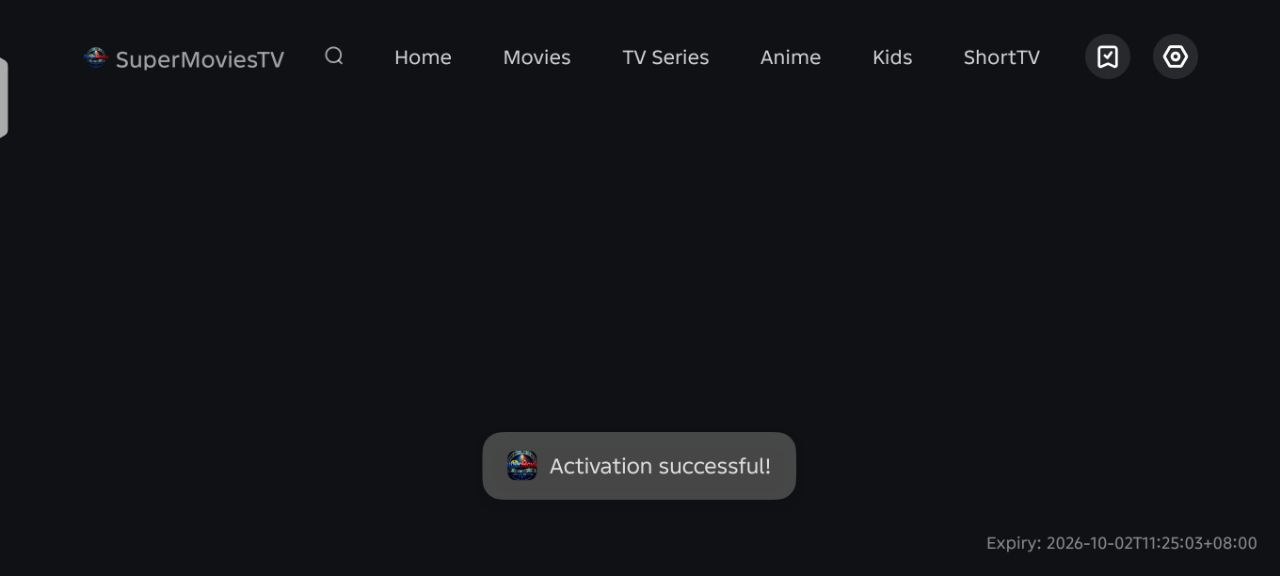
- Tap Activate.
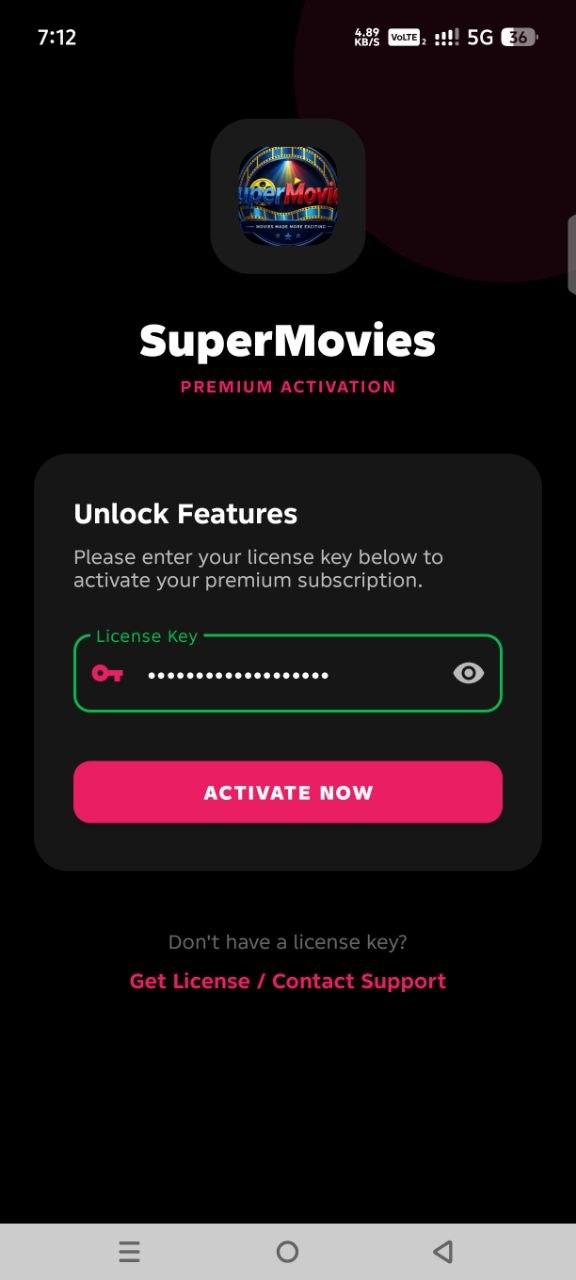
Next: Wait for the license to be verified.
Updated application
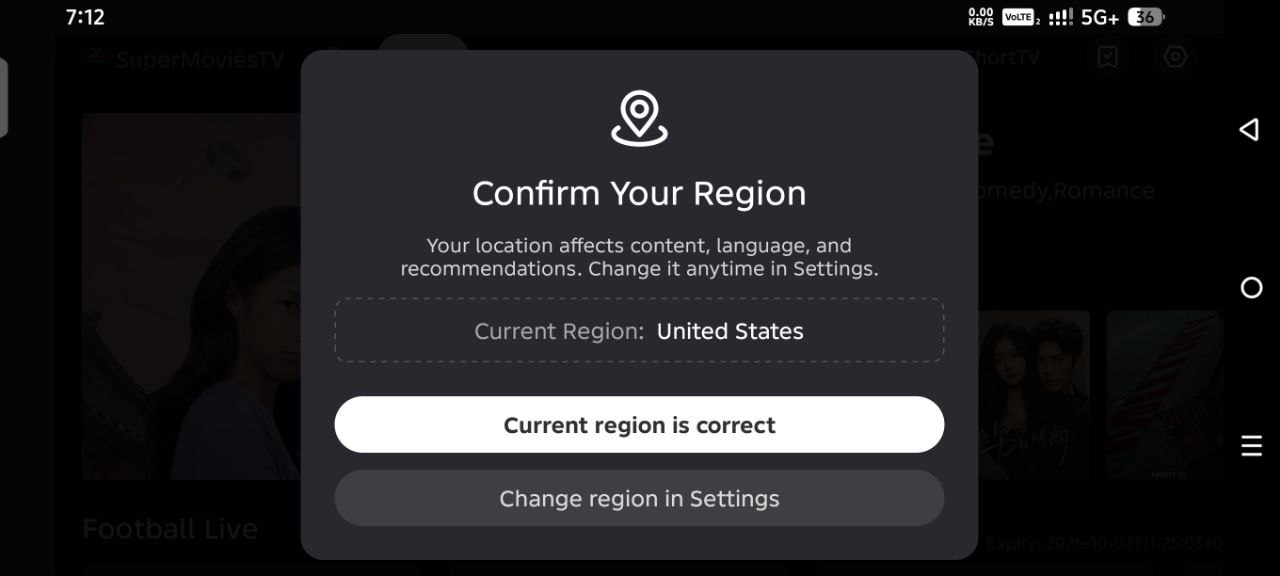
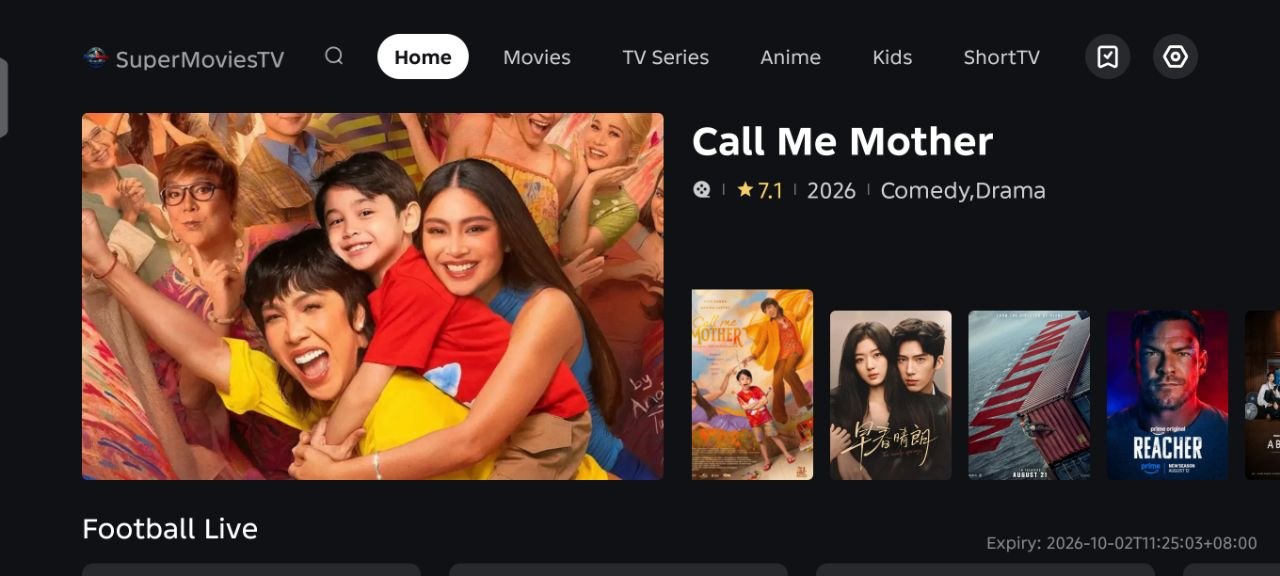
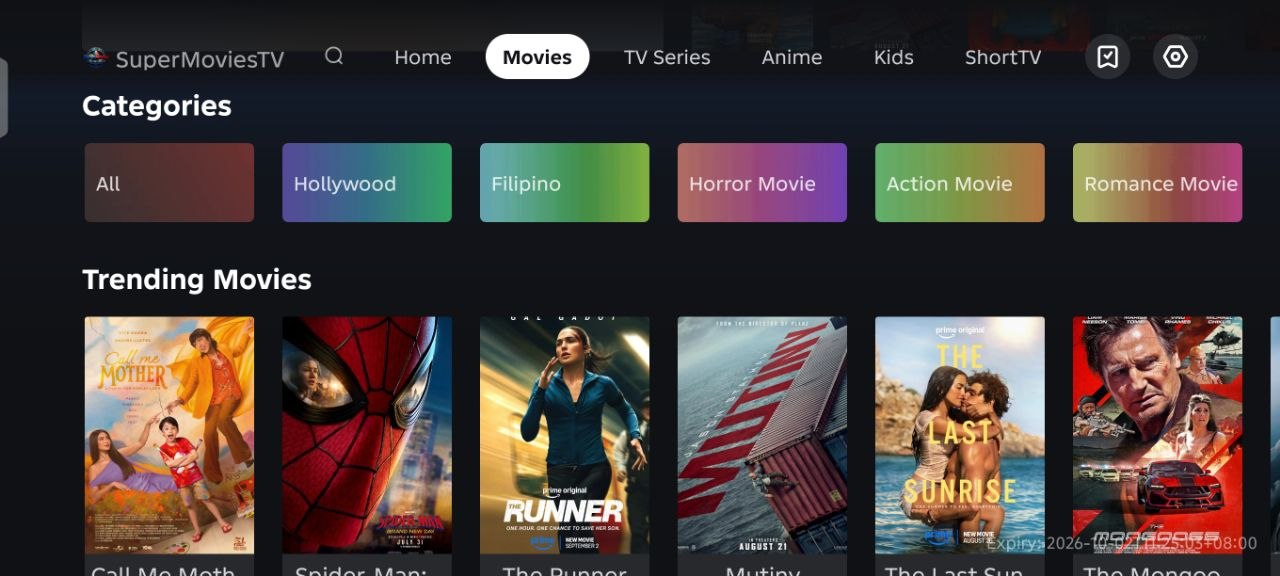
Swipe through SuperMovies
Swipe left or right to view the full updated application and explore each screen.